Point of sale & payments
Four payment platforms. One honest recommendation.
I sell Shift4, Clover, Square and SpotOn. So I look at how you actually run, whether that’s tables, a counter, a truck or a chair, and set you up with the one that fits.
Try it: ring something up
Ticket0 items
- Tap an item to start a ticket.
- Subtotal
- $0.00
- Tax 8.75%
- $0.00
- Total
- $0.00
Payment platforms
Which one fits you?
I run a
Usually right for
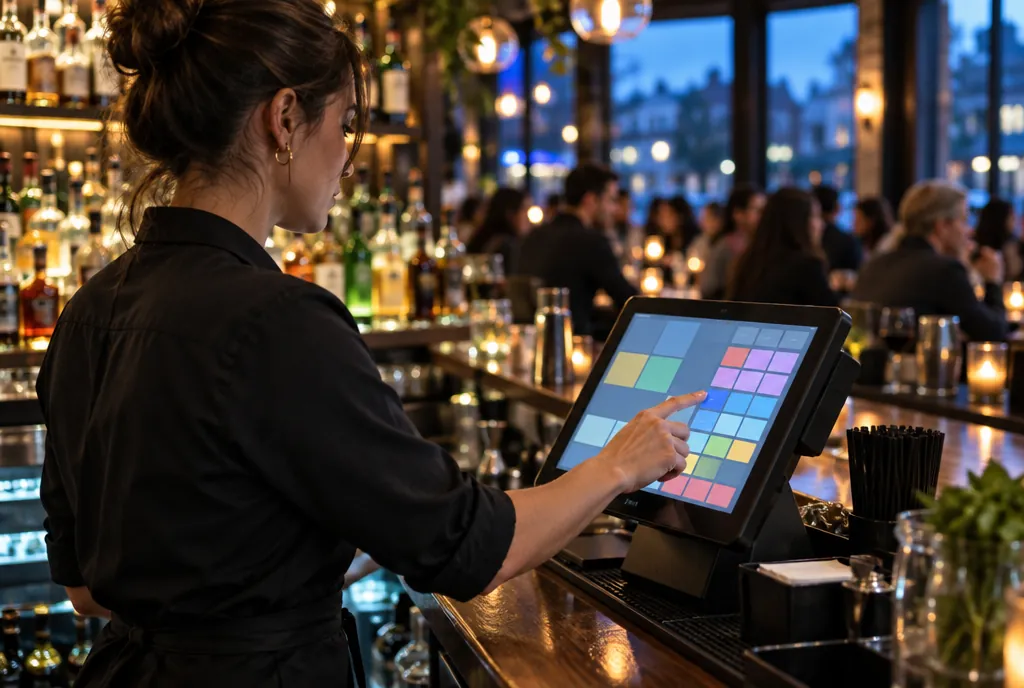
Restaurants and bars
SkyTab by Shift4 is a full restaurant POS with the extras built in instead of bolted on. It suits every kind of restaurant.
- $0 upfront, starting at $29.99 a month
- Free marketing tools, loyalty program and QR code solution
- Free reservations and waitlist, and a free website builder
- Workstation, customer display, kiosk, handheld, tablet and kitchen display
- On-site installation, local service and on-demand resources
- Replacing an old POS? Shift4 will pay you $5,000 to upgrade
Usually right for
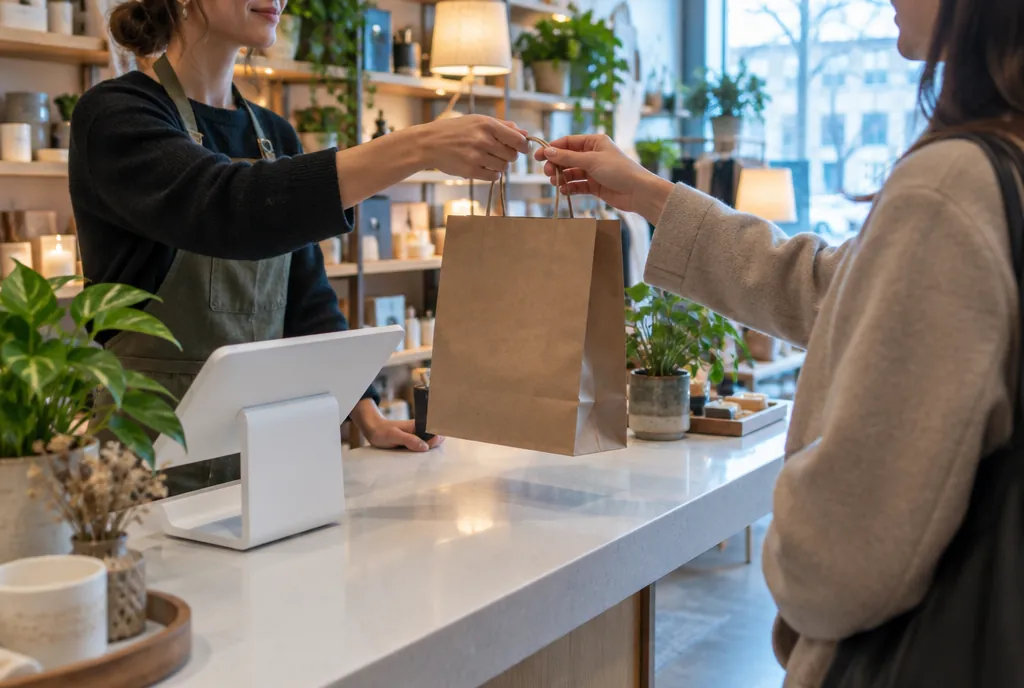
Retail, counter service, salons and services
Flexible hardware plus an app market, so the system grows when you add staff, stock or a second location.
- Countertop stations, compact terminals and pocket handhelds
- Takes tap, chip, swipe and phone wallets
- App market for inventory, loyalty, scheduling and online ordering
- Sales and staff reports you can check from your phone
- Gift cards and customer rewards
- Free terminal options available
Usually right for
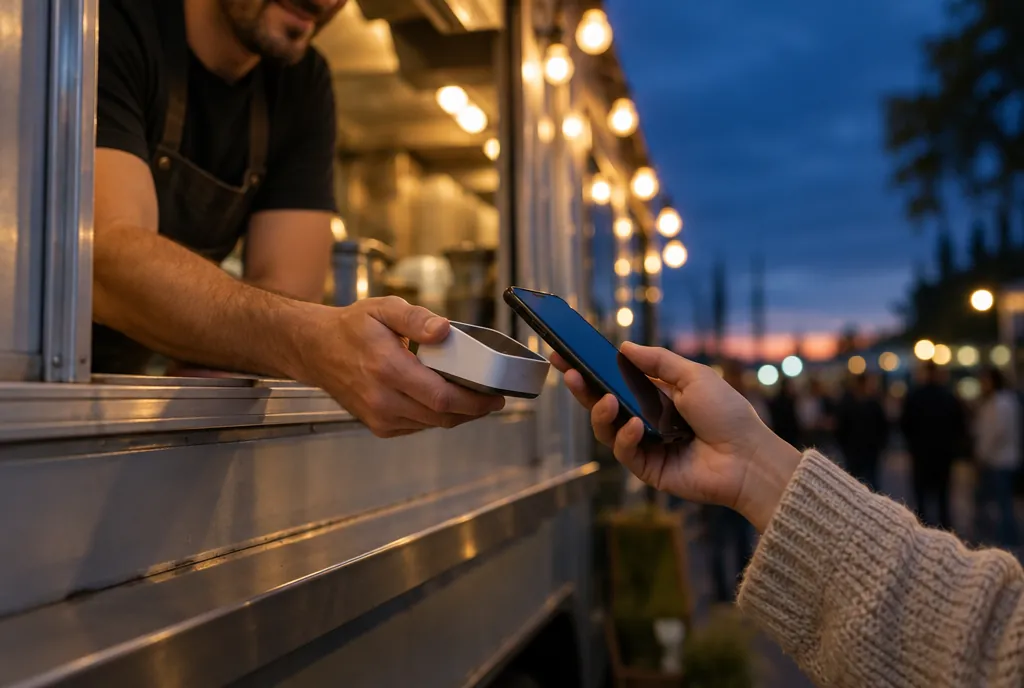
New shops, mobile sellers and pop-ups
The quickest way to start taking cards, on software most of your staff has already used.
- Registers, terminals, stands and pocket card readers
- Versions built for restaurants, retail and appointments
- Online store, invoices and payment links from one account
- Staff permissions and timecards built in
- Item library, inventory and a customer directory
- Free terminal options available
Usually right for
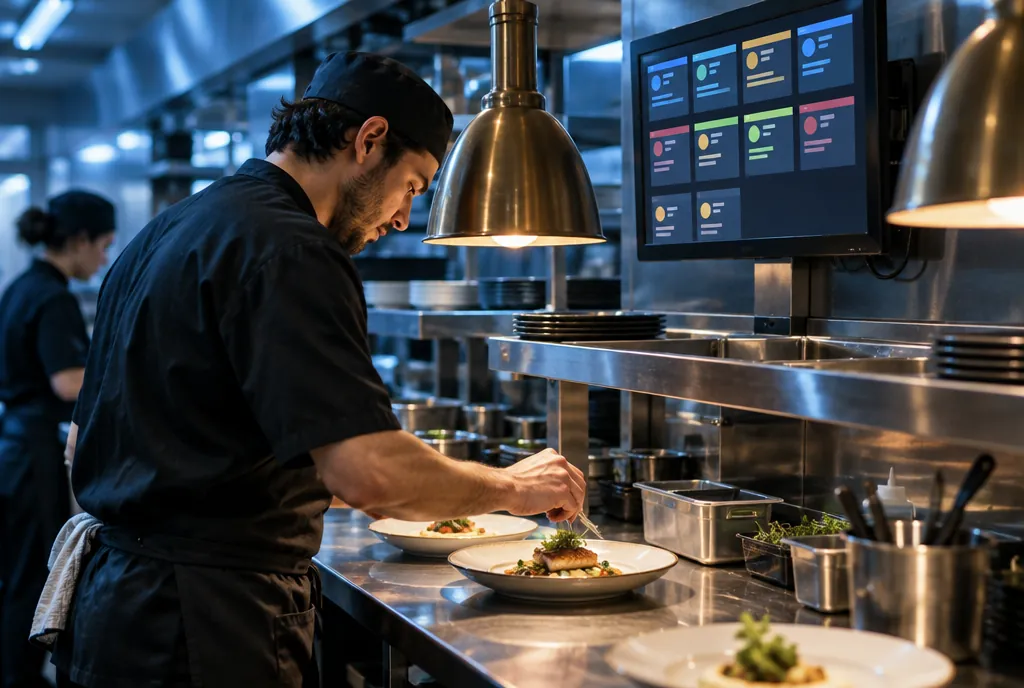
Full-service and multi-station restaurants
Built for busy floors, with servers, handhelds, kitchen and reporting all working off the same ticket.
- Handhelds for tableside ordering and payment
- Kiosks and kitchen display screens
- Online and QR ordering tied to the same menu
- Reservations and waitlist in the same system
- Labor and tip tools for managers
- Marketing, loyalty and reporting dashboards
Not sure? That’s what the call is for. I’ll ask how you run and tell you which one I’d put in my own place. Features and pricing vary by plan.
Hardware
A screen for every station.
POS workstation
The command center at your counter or bar.
Customer display
Guests check the order and tip on their own screen.
Kiosk
Guests order at their own pace while staff stays on the floor.
Handheld
Take the order and the payment anywhere in the building.
Tablet
Purpose-built for tableside ordering.
Kitchen display
Tickets on a screen, so the line moves faster.
What comes with it
Whichever platform you pick, you get me.
On-site installation
The hardware gets set up in your building, not shipped in a box with a manual.
Local service
When something needs attention, you’re calling someone nearby.
Free terminal options
Countertop and handheld terminals at no cost on the right program.
Lower processing costs
A $1,000 guarantee that we’ll beat what you pay your current provider.
Marketing that works
Proven strategies from Local Merchant Services that drive real leads and real revenue.
Business funding
10 loan types from 20 banks on one application, if you need working capital.
Payment processing
Stop overpaying to take a card.
- $1,000Guarantee that we’ll cut your processing costs compared to your current provider.
- Up to 100%of your credit card processing fees eliminated with the right program.
- 24/7support. No BS, just results.
Send a recent statement and I’ll mark up where the money is going.
Not sure? Divide last month’s total fees by your total card sales.
You’re paying about
$1,200a month
That’s $14,400 a year going to processing. With a zero-fee program, you could keep up to $14,400 of it.
An estimate from the numbers you enter. Real savings depend on your business and the program you qualify for.
Juan call
does it all.
Opening, switching or fixing something? Tell me what’s going on and I’ll tell you what it takes.